A forgotten password seems like a small IT problem.
So does a printer that suddenly disappears from the network, an employee who cannot connect to the VPN, or Microsoft 365 refusing to sync five minutes before an important client meeting.
Individually, these issues may not look serious. Multiply them across 50, 100, or 500 employees, however, and they become a real business problem.
Your IT team spends its day answering repetitive requests instead of improving infrastructure. Employees lose productive time waiting for assistance. Senior engineers get pulled away from important projects to solve basic user issues.
This is where professional IT help desk services start making business sense.
The question is no longer simply, “Who can fix this laptop?”
A better question is:
How can we give employees reliable technical support without turning our internal IT team into a full-time troubleshooting department?
What Are IT Help Desk Services?
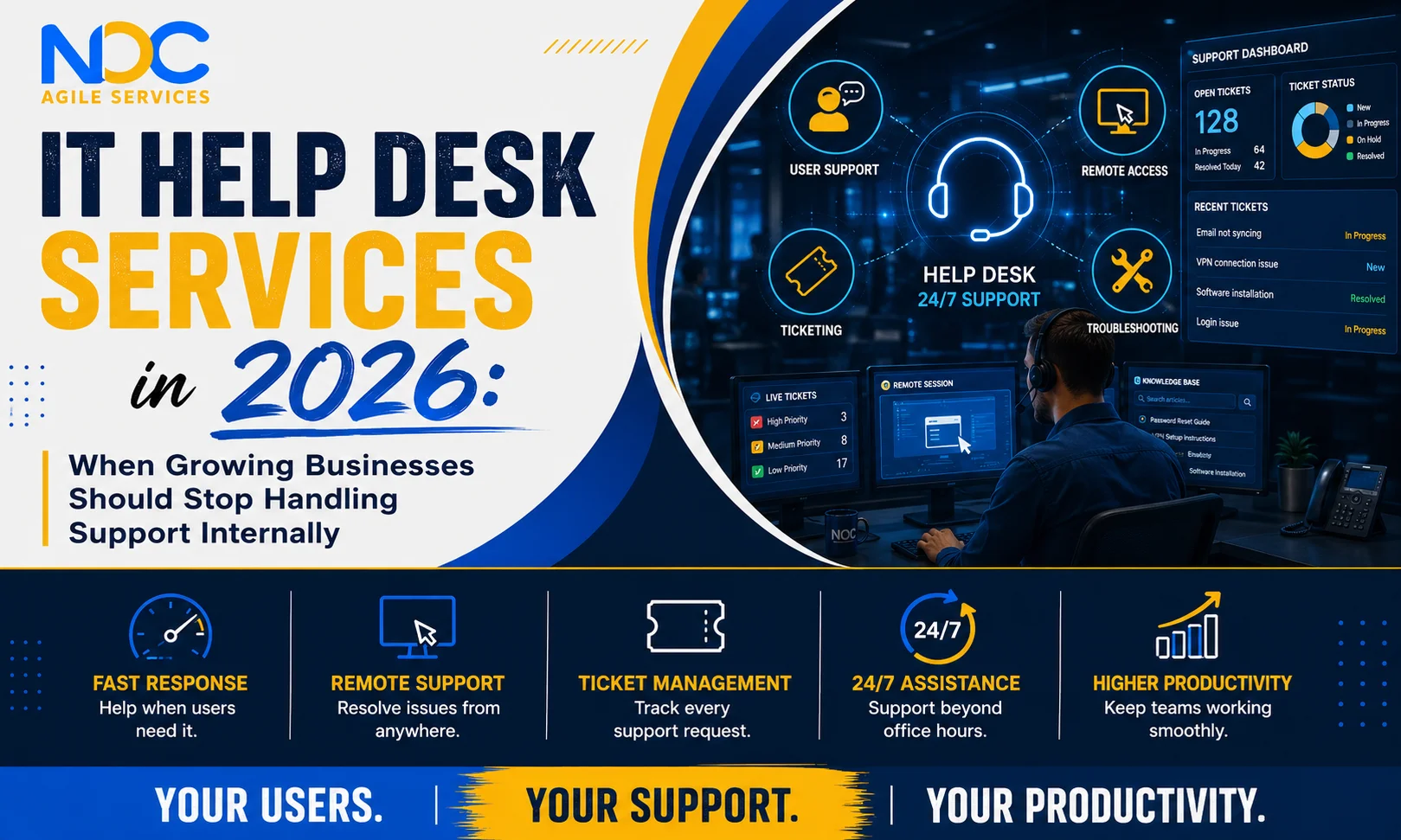
IT help desk services provide a structured point of support for employees experiencing everyday technology problems.
Depending on the service model, a help desk can assist users with issues involving:
- Password resets and account access
- Email problems
- Microsoft 365 applications
- VPN connectivity
- Desktop and laptop troubleshooting
- Software installation
- Printer and peripheral problems
- Application access
- Basic network connectivity
- User onboarding and offboarding
- Ticket management
- Issue escalation
A professional help desk does more than answer calls.
Each request should be recorded, categorized, prioritized, investigated, resolved where possible, and escalated when deeper technical expertise is required.
That structure is what turns random IT troubleshooting into a repeatable support operation.
The Real Cost of “Just Ask the IT Person”
Many growing companies begin with an informal support model.
Something breaks, and an employee messages whoever knows the most about computers.
It works when the company has ten people.
It becomes much harder at 100.
Imagine a network engineer working on a firewall upgrade. During the same morning, that engineer receives requests about a locked account, a malfunctioning webcam, an application update, a slow laptop, and a VPN problem.
None of those requests is necessarily difficult.
That is exactly the problem.
Highly skilled technical employees are spending expensive engineering hours resolving issues that could have been handled through a structured first-line support process.
Managed help desk services allow organizations to separate routine user support from higher-level engineering work.
Employees still receive assistance, but your senior IT resources can concentrate on infrastructure, cybersecurity, cloud projects, automation, and business-critical initiatives.
Why Fast IT Support Matters More Than It Appears
Downtime does not always mean an entire network has failed.
Sometimes downtime is one employee staring at an error message for 45 minutes.
If ten people lose 30 minutes each because of unresolved technology problems, the business has already lost five hours of productive time.
Then consider what happens when this repeats every week.
Responsive IT help desk services can reduce that friction by giving employees a clear place to report problems and a defined process for getting them resolved.
For growing organizations, this improves more than IT efficiency.
It can improve the employee experience as well.
People should not need to search through old emails, message several colleagues, or wait until “the IT guy is free” just to regain access to a system they need to do their job.
Internal vs. Outsourced Help Desk Services
Should every company outsource its help desk?
No.
An organization with a large internal IT department, specialized systems, and sufficient staffing may prefer to operate support completely in-house.
The calculation changes when a business needs broader coverage but does not want to continuously add internal headcount.
Outsourced help desk services can provide access to a larger support team without requiring the company to recruit, train, schedule, and manage every technician itself.
This can be particularly valuable for businesses that:
- Are growing quickly
- Have employees in different locations
- Support remote or hybrid teams
- Need assistance outside regular business hours
- Have a small internal IT department
- Want predictable support costs
- Need better ticket documentation
- Want senior engineers focused on higher-level work
The goal of outsourcing should not simply be to “send IT somewhere else.”
A good provider should function as an extension of your existing technology operation.
Why 24/7 IT Support Is Becoming More Relevant
The traditional nine-to-five office is no longer the only operating model.
Employees work remotely. Teams collaborate across time zones. Cloud platforms remain accessible around the clock. Customers expect digital services to work outside traditional business hours.
Technical problems follow the same schedule.
They happen whenever they happen.
24/7 IT support gives organizations a way to assist users when their internal office may be closed.
This does not mean every ticket requires immediate escalation at 2 AM.
A mature support model should classify requests according to impact and urgency.
A single employee unable to access a non-critical application is different from an authentication problem affecting an entire department.
That distinction is where effective ticket prioritization becomes important.
Help Desk Support Also Creates Valuable IT Intelligence
There is another benefit businesses often overlook: support tickets contain useful information.
If 30 users report the same application problem, the issue probably is not user error.
If VPN tickets increase every Monday morning, there may be an underlying capacity or configuration problem.
If password-related requests suddenly spike, it may indicate a process, training, identity-management, or security issue.
A well-managed ticketing system turns individual support incidents into operational data.
Patterns can then help IT teams identify recurring problems and decide where improvements, automation, documentation, training, or infrastructure changes are needed.
Even cybersecurity teams can benefit from this visibility. NIST identifies sources such as help desk ticketing and incident-management systems as useful organizational information sources when investigating security activity.
In other words, your help desk should not operate as an isolated troubleshooting function.
It can become another source of visibility into the health of your IT environment.
What Should You Expect From a Help Desk Provider?
Before choosing an IT help desk services provider, ask what actually happens after a user submits a ticket.
A capable provider should be able to explain:
Response process: How quickly are requests acknowledged?
Prioritization: How are low, medium, high, and critical issues classified?
Escalation: What happens when Level 1 support cannot resolve the issue?
Coverage: Is assistance available during evenings, weekends, and holidays?
Documentation: Are solutions and recurring problems documented?
Reporting: Can you see ticket volumes, response times, resolution trends, and recurring issues?
Integration: Can the provider work with your existing tools and IT team?
Technology matters, but process maturity matters just as much.
How NOCAGILE Supports Modern IT Teams
At NOCAGILE, we understand that user support and infrastructure operations are connected.
A laptop issue may begin at the help desk but eventually require investigation of a network, server, cloud platform, or security control.
That is why businesses benefit when support teams have clear escalation paths to broader IT expertise.
With more than 15 years of experience in network operations and IT management, NOCAGILE provides IT help desk services alongside Managed IT, NOC, Network, Cloud, and SOC capabilities.
Our approach is designed to help organizations provide dependable technical assistance while reducing unnecessary pressure on internal IT resources.
Businesses can use help desk support to address routine user issues while specialized technical teams remain focused on the infrastructure and projects that require their expertise.
Signs Your Business Has Outgrown Informal IT Support
You probably do not need another complicated IT maturity assessment to recognize when your current model is struggling.
Look for everyday signs:
Employees do not know where to report technical issues.
Senior engineers regularly handle password and application problems.
Tickets are solved but not documented.
Users wait hours for relatively simple fixes.
Remote employees receive inconsistent support.
Your IT team is always reacting and rarely improving.
Issues repeatedly return because nobody is analyzing the underlying cause.
If several of these sound familiar, professional managed help desk services may be worth evaluating.
Better Support Is Ultimately About Better Work
The purpose of an IT help desk is not to generate tickets.
It is to remove technology obstacles so people can work.
When support is structured properly, employees know where to go, common issues are resolved efficiently, serious problems reach the correct specialists, and internal IT teams get more time for strategic work.
That is the real business case for IT help desk services.
Not more technology.
Not more dashboards.
Just a more reliable way to keep everyday technology problems from becoming everyday productivity problems.
If your organization is growing, supporting remote users, or finding that routine tickets are consuming too much of your technical team’s time, NOCAGILE can help you evaluate a support model built around your users, infrastructure, working hours, and business requirements.
Talk to NOCAGILE about building a scalable 24/7 IT help desk support model for your business.
Frequently Asked Questions
1. What are IT help desk services?
IT help desk services provide technical assistance for everyday employee issues such as passwords, software, email, devices, connectivity, and application access.
2. What are outsourced help desk services?
Outsourced help desk services allow a specialist external provider to handle some or all user IT support on behalf of a business.
3. What is included in managed help desk services?
Managed help desk services can include ticket management, remote troubleshooting, account support, software assistance, user onboarding, escalation, and reporting.
4. Why is 24/7 IT support important?
24/7 IT support helps businesses support remote employees, multiple time zones, and technology issues occurring outside standard office hours.
5. Can a help desk support remote employees?
Yes. Remote IT support can resolve many software, access, connectivity, email, and device problems without an onsite visit.
6. Are help desk services suitable for small businesses?
Yes. Help desk services for small business can provide structured technical support without requiring a large internal IT department.
7. What is the difference between a help desk and a NOC?
A help desk primarily supports end users, while a NOC monitors and manages networks, servers, cloud infrastructure, and overall system performance.
8. Does an outsourced help desk replace internal IT staff?
Not necessarily. It can complement an internal team by managing routine requests while internal specialists handle strategic and complex work.
9. How should businesses choose an IT help desk provider?
Compare support availability, SLAs, escalation procedures, technical expertise, reporting, security processes, integrations, and scalability.
10. Can IT help desk services improve productivity?
Yes. Faster access to technical assistance can reduce the amount of productive time employees lose while waiting for IT problems to be resolved.


